
Every week we pick out the AI changes that matter to UK businesses: the AI assistants that can now connect to the software you already use, and the changes at ChatGPT, Claude, Gemini and Copilot. Each item says what changed, what it means for you and how to use it, with a link to the source. Missed last week? Read Week 3: Dropbox in Copilot, iCloud for ChatGPT and GPT-6.1 Terra.
New to connectors? Most of these use MCP, the standard way an AI assistant plugs into business software. Our guide what MCP is and why it matters explains it in plain English.
New AI connections
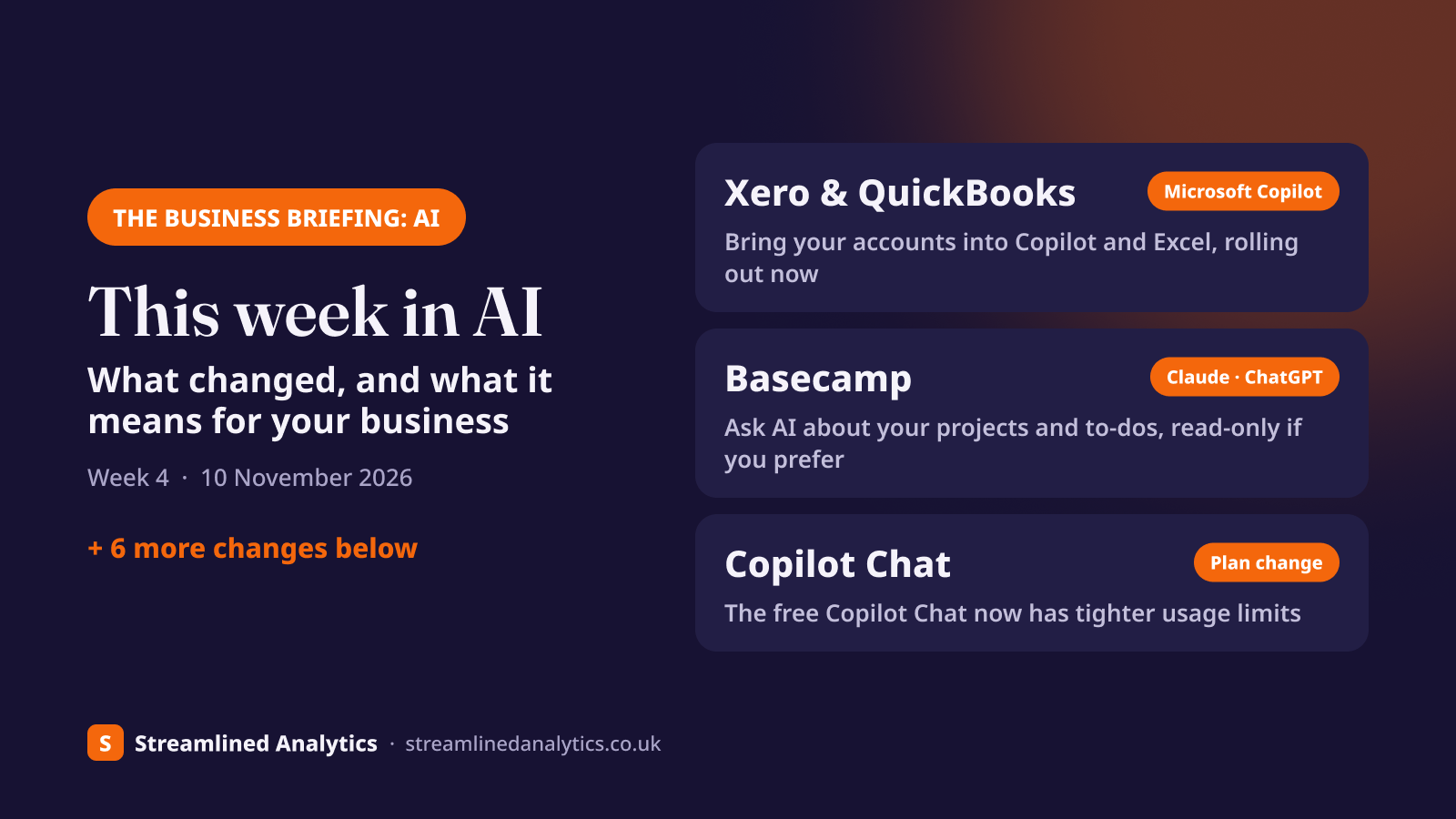
Xero, QuickBooks and Zoho Books plugins for Microsoft 365 Copilot#
Microsoft announced on 29 October that accounting plugins for Intuit QuickBooks, Xero and Zoho Books are beginning to roll out for Microsoft 365 Copilot, through Microsoft's plugin registry. They arrived alongside more than 25 new finance skills in Copilot, including finance skills in Copilot in Excel, which are now generally available.
What it means for your business: if you already pay for Microsoft 365 Copilot, your accounts can come to Copilot instead of being exported by hand. Ask it to pull this month's figures into an Excel model, compare costs against last month, or draft a month-end summary for the directors. Microsoft's newer accounting features, such as drafting journals and flagging discrepancies, are in Frontier, its early-access programme, so most businesses won't see those yet.
How to use it:
- Ask your Microsoft 365 admin whether the Xero, QuickBooks or Zoho Books plugin is available in your tenant yet. It's rolling out, so it may not be there today.
- Once it's enabled, connect it with your accounting login. Copilot only sees what your login can see.
- Start in Excel or Copilot Cowork with a plain request, for example "bring last month's profit and loss from Xero into this workbook and highlight anything up more than 10%".
Check before you start: this is for Microsoft 365 Copilot, the paid add-on, not the free Copilot Chat. Microsoft says third-party services "may require separate licensing, subscriptions, authentication, or administrator enablement". It hasn't said whether the plugins can change anything in your books, so treat them as read-and-analyse until that's clear. There's no Sage plugin in the list. Prefer Claude? Xero's own one-click Claude connector has been available since October.
Source: Microsoft Copilot blog: Microsoft Copilot for Finance, 29 Oct 2026
New AI connections
Basecamp connector for Claude and ChatGPT: ask about your projects and to-dos#
Basecamp now has an official connector for Claude and ChatGPT (and Grok). It covers projects, to-dos, card tables, messages, docs, schedules, chats and check-ins, and it's included free with every Basecamp account.
What it means for your business: if you run jobs or client work in Basecamp, ask "what's overdue on the Smith Road project?", "summarise this week's messages on the fit-out" or "turn these meeting notes into to-dos for Sam and Priya". When you connect, you choose Read-only (it can look but not change anything) or Full access. The assistant acts as you, so it only sees the projects you can see.
How to use it:
- Claude: go to Customize > Connectors, click +, choose Basecamp and click Connect. On Claude Team or Enterprise, an owner adds it once under Organization settings > Connectors, then each person connects their own account.
- ChatGPT: find Basecamp under Plugins, click Install plugin, then Connect. On Business, Enterprise and Edu, a workspace admin may need to allow it first.
- Sign in to Basecamp and pick Read-only or Full access. Start with read-only until you trust it.
Check before you start: your AI assistant may need a paid plan to add connectors. It connects to one Basecamp account at a time; to switch, disconnect and reconnect.
Source: Basecamp: use Basecamp with your AI assistant
New AI connections
Mollie for Claude and ChatGPT: payment links and invoices from a chat#
Mollie, the payments provider used by many UK and European online businesses, launched Claude and ChatGPT integrations on 29 October, covering more than 60 operations: creating payment links and checkouts, managing subscriptions, drafting invoices and credit notes, and reviewing payment data.
What it means for your business: ask "send me a £120 payment link for the Jones deposit that expires in 48 hours", "pause this customer's subscription until next month" or "what was our average order value by payment method last month?". The assistant can't move money on its own: Mollie says funds only move after a person reviews and signs off the transfer summary, and your existing Mollie roles and daily limits still apply.
How to use it:
- Find Mollie in Claude's connector directory or ChatGPT's plugins.
- Click Connect and approve access on Mollie's sign-in screen. No code is needed.
- Start with read-only questions about your payments before letting it draft anything.
Check before you start: Mollie hasn't published plan or country details for the integration. Check that each person connecting has the right Mollie role, because the assistant can do whatever their role allows.
Source: Mollie news, 29 Oct 2026 · Mollie MCP server documentation
New AI connections
Breezy HR connects to Claude and ChatGPT: hiring from inside your AI assistant#
Breezy HR, the applicant tracking system, has an official connector for Claude and ChatGPT. It can read candidates, CVs, scorecards and pipelines, and it can also act: create candidates and roles, move people between stages, send messages and add notes.
What it means for your business: if you're hiring site staff or office roles, ask "who applied for the estimator role this week and who's strongest on the screening questions?", or "move the three shortlisted candidates to interview and draft an invite". Everything it does is limited by that person's Breezy permissions.
How to use it:
- In Claude or ChatGPT, find Breezy among the connectors or plugins, or add it manually with the address https://mcp.breezy.hr/mcp.
- Sign in to Breezy when asked.
- Ask it to read and summarise first. Check any message it drafts before it goes to a candidate.
Check before you start: in ChatGPT you need a ChatGPT Business subscription. Because it can write as well as read, agree who in your team is allowed to use it, and treat candidate data as personal data under your usual privacy rules.
Source: Breezy HR help centre: Breezy MCP server connection
New AI connections
Synthesia in ChatGPT: training and explainer videos from a prompt#
Synthesia, the UK-based AI video company, launched a ChatGPT plugin on 3 November. Describe the video you want, or share a document, deck or spreadsheet, and it makes the video; you can then ask for changes and search your video library without leaving ChatGPT. It's on every Synthesia plan, including free.
What it means for your business: short training, onboarding and how-to videos stop being a project. Turn a site induction document into a two-minute video for new starters, or a product sheet into an explainer for customers.
How to use it:
- In ChatGPT, open Plugins, search for Synthesia and click Connect. You can create a free Synthesia account as you connect.
- Ask for a video and attach the document it should be based on.
- Say "make it in Studio" if you need an exact script or your brand kit; otherwise it uses Synthesia's default style.
Check before you start: Synthesia hasn't said which ChatGPT plans can use the plugin. Check facts and safety content in any video before you share it.
Source: Synthesia blog, 3 Nov 2026
At the big AI providers
Microsoft Copilot Chat: the free version gets tighter usage limits#
Microsoft is adding "fair use" limits to more Copilot Chat features for people who don't have a paid Microsoft 365 Copilot licence (message center MC1536158, published 3 November). How much you can use may vary through the day, and admins can't see or change the limits.
What it means for your business: if your team relies on the free Copilot Chat that comes with Microsoft 365, expect more "try again later" messages at busy times. Tell staff now, so it doesn't turn into a stream of IT tickets. Microsoft's answer is a paid Copilot licence; before buying, check which people genuinely hit the limits, and compare it with the alternatives in our Copilot vs ChatGPT guide.
Check before you start: Microsoft hasn't published the actual limits. It's rolling out now.
Source: Microsoft 365 message center MC1536158 (public mirror)
At the big AI providers
Copilot app: create and edit Word, Excel and PowerPoint files without leaving it#
The Microsoft 365 Copilot app now lets you create and edit Word, Excel and PowerPoint files inside it, with changes syncing back to the original file (MC1530611, published 29 October). The worldwide rollout finishes in mid-November and needs no admin action.
What it means for your business: less switching between windows: ask Copilot to draft a proposal, then edit it in the same place. Separately, Microsoft has pushed premium models in Copilot (billed per use through Copilot Credits) back to early to mid December (MC1519122). They're off by default, which ties in with the pay-as-you-go billing change from 1 December.
Check before you start: admins can limit who gets the in-app editing by group. If you'd rather staff edit in the full Office apps, set that before mid-November.
Source: MC1530611 · MC1519122 (Microsoft 365 message center, public mirror)
At the big AI providers
Google Forms and Vids: Gemini analyses form responses and makes longer video clips#
Google announced two Gemini updates for Workspace on 5 November. In Google Forms, Gemini can now spot trends in responses and suggest next steps. In Google Vids, the Gemini Omni 1.2 Flash model makes video clips of up to 15 seconds, with more consistent characters.
What it means for your business: customer surveys and staff feedback forms come with a summary of what people are saying, not just a spreadsheet of answers. Vids is now a realistic way to make a short promo or training clip without a video editor.
How to use it:
- Forms: open a form's Responses tab and use the Gemini option to summarise and analyse them.
- Vids: open Google Vids and generate a clip from a prompt.
Check before you start: Forms analysis is on Business Standard and Plus (not Starter) and needs smart features switched on. It reaches most accounts from 19 November. Vids clips are available from Business Starter upwards.
Source: Google Workspace Updates blog, 5 Nov 2026
At the big AI providers
Gmail data and Google ads: what the privacy headlines mean for UK businesses#
Headlines this week said Google now lets Search and Gemini use your Gmail and Photos to personalise ads. For UK businesses, the short answer is that it doesn't apply to you. The change, in Google's privacy policy from 16 October, only covers people who switch on Gemini's "Personal Intelligence", and Google says that isn't available on work Google accounts or in the UK or EEA.
What it means for your business: nothing changes for your Google Workspace mailboxes. It's still worth a line in your AI policy about not using personal Gmail for work, because personal accounts are where these settings live.
How to use it:
- Staff with personal Google accounts outside the UK can turn the feature off in Google Account > Data & privacy, and control ads separately in My Ad Center.
Source: Google privacy policy · Gemini Apps Help: Personal Intelligence
What to do next#
Not sure which of these your own software can do? Send us your software list and we'll send you a free report on which of your tools connect to which AI assistants, and what each connection can and can't do.
Keep reading
Variation orders and daywork sheets: how subcontractors get changes paid (UK)
What a variation order is, what a daywork sheet must show, how changes are valued, and the simple weekly register that stops extra work going unpaid.
6 November 2026 ReadThe Business Briefing: AI — this week in AI (3 November 2026)
Dropbox now works inside Microsoft Copilot, iCloud Mail and Calendar connect to ChatGPT, and GPT-6.1 Terra can use your other apps. What changed this week, what it means for your business, and how to use it.
3 November 2026 ReadJCT contracts explained: which form you're on, and what it means for getting paid (UK, 2024 edition)
What a JCT contract is, the 2024 families and which one fits, the sub-contract that goes with each, and what your form means for payment dates, variations, retention and delay notices. Plus what the end of JCT 2016 sales on 31 December 2026 means for you.
31 October 2026 Read