
Every week we pick out the AI changes that matter to UK businesses: the AI assistants that can now connect to the software you already use, and the changes at ChatGPT, Claude, Gemini and Copilot. Each item says what changed, what it means for you and how to use it, with a link to the source. Missed last week? Read Week 4: Xero and QuickBooks in Copilot, Basecamp for Claude.
New to connectors? Most of these use MCP, the standard way an AI assistant plugs into business software. Our guide what MCP is and why it matters explains it in plain English.
New AI connections
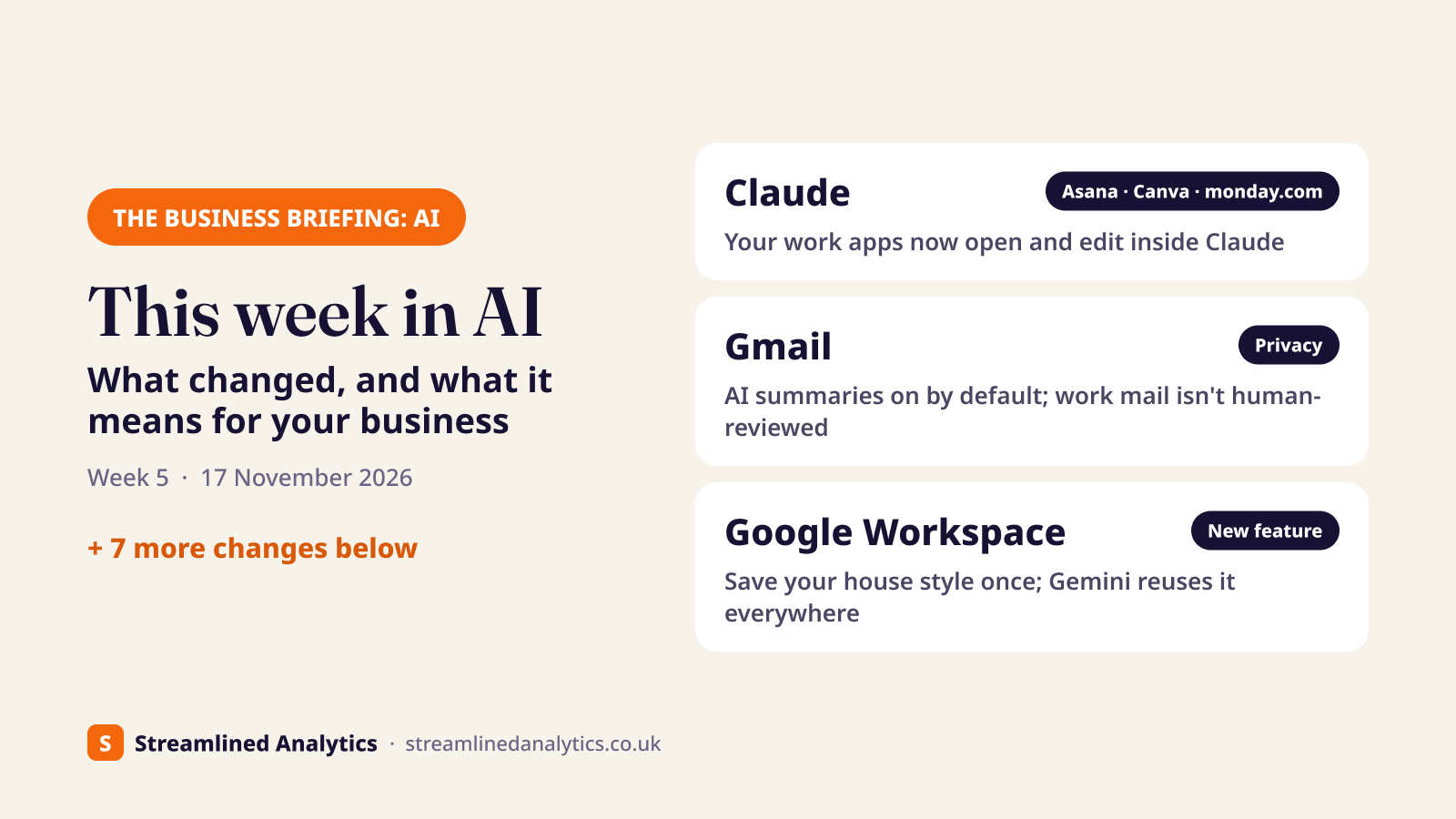
Claude interactive connectors: open Asana, Canva and monday.com inside Claude#
Apps you already connect to Claude can now open inside the chat, and Claude can edit the board, design or file you have open. Anthropic announced it on 10 November, rolling out on all plans on the web and desktop. Available now: Asana, Canva, Dropbox, monday.com, Smartsheet, Webflow, Carta and Vercel. Figma and Shopify are listed as coming.
What it means for your business: you can update a project board, move overdue tasks or tweak a Canva design without switching windows. Claude still asks you to approve each change, so nothing moves without your say-so.
How to use it:
- In Claude, go to Customize > Connectors and add the app, for example monday.com or Asana.
- Sign in to that app. Claude only sees what your own login can see.
- Ask in plain English, for example "open the Smith Road board and move anything overdue to next week".
- Review each change Claude proposes and approve it.
Check before you start: it's a gradual rollout, so it may not be in your account yet. On a Team or Enterprise plan, admins can limit which actions each connector is allowed to take. Worth doing before you connect anything that holds client or financial data.
Source: Claude: interactive connectors, 10 Nov 2026
New AI connections
Brevo plugin for ChatGPT: draft campaigns and check results from a chat#
Brevo, the email and SMS marketing platform, now has an official ChatGPT plugin. ChatGPT can read your campaign stats, contacts, lists and segments, and create campaign drafts and templates in Brevo.
What it means for your business: ask "which of last month's campaigns got the most clicks, and why?" or have ChatGPT draft next week's newsletter straight into Brevo. It can't send, schedule or delete anything, so a person still presses send.
How to use it:
- In ChatGPT, open Plugins > Browse and choose Brevo.
- Select Install, then sign in with Brevo and authorise access.
- Ask for a summary of recent campaign results, or ask it to draft a campaign for you to review in Brevo.
Check before you start: your contacts are personal data. Use a ChatGPT business plan, and check your privacy notice covers using AI tools. Our AI policy template has a section on this.
Source: Brevo Help Center: Brevo plugin for ChatGPT
New AI connections
Starling "talk to transact": pay by voice, and supplier invoices from a photo soon#
Starling Bank customers can now type or say "pay the plumber £200" in Starling Assistant. It prepares the payment and you tap to approve. It starts with personal and joint accounts and reaches all retail customers by the end of 2026. Starling says business accounts get it "soon": upload a photo of an invoice, say "pay this invoice", and it sets up the payee and amount.
What it means for your business: for a small firm that banks with Starling, paying a supplier could become a photo and one tap. Every payment still needs your approval.
Check before you start: there's no date yet for business accounts, and invoices must be photos, not PDFs. Starling hasn't published payment limits for it.
Source: Starling Bank news, 13 Nov 2026
At the big AI providers
Gemini in Gmail is on by default for Workspace, and the privacy headlines explained#
Google is switching on Gemini's email thread summaries and "Help me write" for every Google Workspace customer, on by default, rolling out over about 15 days from 10 November. In the same week, headlines claimed Google staff can read your Gmail and Drive through Gemini. For business Workspace accounts, Google's own privacy page says your content isn't reviewed by people or used to train its AI outside your organisation without permission. The human review in the stories applies to personal Gemini accounts, where Google says a sample of chats is read by reviewers and kept for up to three years.
What it means for your business: staff will start seeing summaries at the top of long email threads. On work accounts that's covered by Workspace's business terms. The real risk is staff using personal Gmail or personal Gemini for work, which is worth a line in your AI policy.
How to use it:
- Decide whether you want Gmail summaries on for everyone.
- To turn them off: Admin console > Generative AI > Gemini for Workspace > Feature access, then edit Gmail and switch it off.
- Remind staff to keep work email on work accounts.
- Anyone using personal Gemini who doesn't want chats reviewed can turn off Keep Activity in Gemini.
Check before you start: the Feature access setting is only in some Workspace editions, and you need the Gemini settings admin permission. Users can also switch it off for themselves.
Source: Google Workspace Updates, 10 Nov 2026 · Workspace Generative AI Privacy Hub · Gemini Apps Privacy Hub
At the big AI providers
Google Workspace skills: save your house style once and Gemini reuses it#
Google has added skills to Workspace: saved instructions plus reference files in Drive that Gemini uses automatically, or when you type @ and the skill's name. They work in Gmail, Docs, Slides, Drive and Chat.
What it means for your business: write down once how your quotes, proposals or customer emails should sound, attach your price list or style guide, and every draft Gemini writes follows it. That's useful for keeping a team consistent.
How to use it:
- Open Workspace Studio and create a skill from a template, or build one in Docs.
- Attach your style guide or price list from Drive.
- Share the skill with your team, and share the Drive files too.
- In Gmail or Docs, type @ and the skill's name.
Check before you start: it's on Business Starter, Standard and Plus. Rapid Release domains have it from 9 November, everyone else from 30 November. English only for now, and not yet in Sheets or Meet.
Source: Google Workspace Updates, 9 Nov 2026
At the big AI providers
Claude Sheets and Whiteboards: spreadsheets and planning boards Claude builds with you#
Claude can now build and edit spreadsheets, with tabs, formulas, formatting and drop-downs, and it outlines each edit so you can see what changed. Whiteboards turn a discussion into a board of timelines, owners and dates. Both are in beta on all paid Claude plans. Claude Dashboards is renamed Claude Data.
What it means for your business: a quick shared tracker or plan, such as a job list, a hiring plan or a price comparison, without starting from a blank spreadsheet. Export to Excel (.xlsx) or CSV when you need the full toolset.
How to use it:
- On a paid plan, ask Claude to "build a sheet tracking…" or "turn this into a whiteboard".
- Check the highlighted edits.
- Share it with colleagues, or export it to Excel.
Check before you start: Anthropic describes the spreadsheet features as simple for now. On Team they're on by default. On Enterprise an admin switches them on under Organization settings > Artifacts.
Source: Claude: Sheets, Whiteboards and Data, 10 Nov 2026
At the big AI providers
Claude Meetings: Claude joins your Google Meet calls#
Claude can now join a Google Meet call as a visible participant. It takes notes and answers questions, and can build a document, whiteboard or slides during the call. It's in beta for Claude Team and Enterprise, and other meeting platforms are "coming soon".
What it means for your business: meeting notes and actions without anyone typing, plus a first draft of the follow-up while the call is still going.
How to use it:
- Admin: switch it on (on by default for Team) and decide whether Claude may join calls with outside guests.
- Add Claude to an upcoming Meet call from your calendar in claude.ai.
- Tell everyone on the call before it starts.
- Afterwards, check the meeting page Claude creates.
Check before you start: get everyone's agreement before a call is transcribed. By default Claude stays out of calls with outside guests. Notes are free during the beta. Documents made in calls are free until 10 February 2027.
Source: Claude: Claude Meetings, 12 Nov 2026
At the big AI providers
Microsoft 365 Copilot: choose which sources an answer uses#
Copilot Chat is getting a control that limits an answer to the sources you pick, such as one SharePoint site or a few files. It rolls out from mid-November to Microsoft 365 Copilot licence holders, with no admin action needed. Microsoft has also confirmed that pay-per-use premium models arrive worldwide from early December.
What it means for your business: fewer answers that mix last year's price list with this year's. Point Copilot at the right files and the answers are easier to trust.
Check before you start: this is for the paid Microsoft 365 Copilot licence, not the free Copilot Chat. Not sure which you have? See Copilot vs ChatGPT.
Source: Microsoft 365 message center MC1548004 · MC1519122
At the big AI providers
ChatGPT Business Hub: claim your business listing (not for UK local firms yet)#
OpenAI now lets businesses claim how they appear in ChatGPT through a Business Hub (in beta). Once you've verified ownership, you can edit your details and see how often ChatGPT mentions you. For now, local shops and service businesses can only claim an existing US listing.
What it means for your business: it's ChatGPT's version of a Google Business Profile. UK trades and local firms can't use it yet, but it's worth watching as more customers ask ChatGPT for recommendations.
Check before you start: verification uses a phone, business email, a domain record or Shopify, then an ID check through Persona.
Source: OpenAI Help Center: setting up your business on ChatGPT
At the big AI providers
Claude Fable 5.2: a new top model for heavy jobs#
Anthropic released Claude Fable 5.2 on 9 November. On Pro and Team standard seats it can use up to half of your weekly usage. Opus 5.5 stays the default for everyday work.
What it means for your business: save Fable for the occasional big job, such as a long tender document or a complicated spreadsheet analysis. Everyday questions don't need it.
Check before you start: comparing Claude and ChatGPT plans? See Claude vs ChatGPT for business.
Source: Anthropic: Claude Fable and Mythos 5.2
What to do next#
Not sure which of these your own software can do? Send us your software list and we'll send you a free report on which of your tools connect to which AI assistants, and what each connection can and can't do.
Keep reading
Schedule of works: what it is, what goes in one, and a UK example
What a schedule of works is in UK construction, what goes in one, a priced example, how it differs from a programme, specification and bill of quantities, and how to price it.
13 November 2026 ReadThe Business Briefing: AI — this week in AI (10 November 2026)
Xero and QuickBooks plugins for Microsoft Copilot, Basecamp in Claude and ChatGPT, tighter limits on the free Copilot Chat, and more: what changed and how to use it.
10 November 2026 ReadVariation orders and daywork sheets: how subcontractors get changes paid (UK)
What a variation order is, what a daywork sheet must show, how changes are valued, and the simple weekly register that stops extra work going unpaid.
6 November 2026 Read